
Descripción
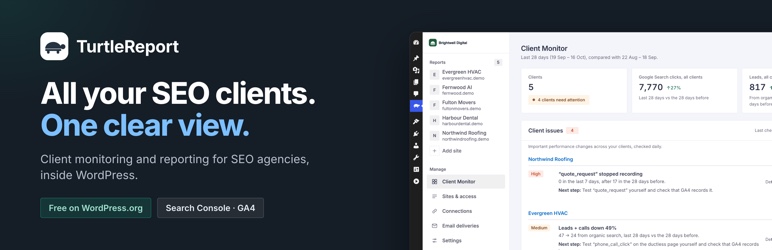
All Your SEO Clients. One Clear View.
TurtleReport helps SEO agencies monitor clients, spot important changes, and automate reports from one dashboard.
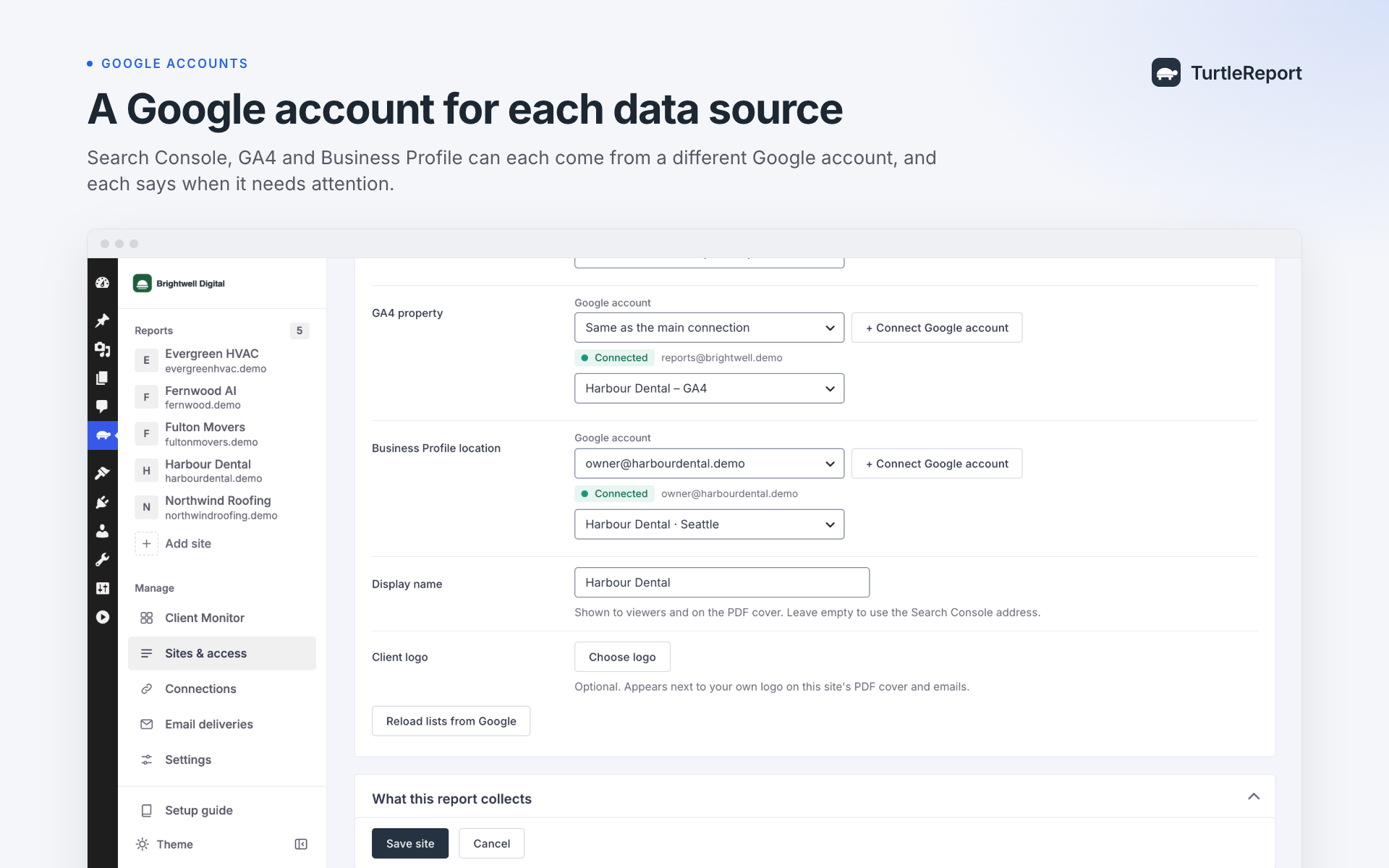
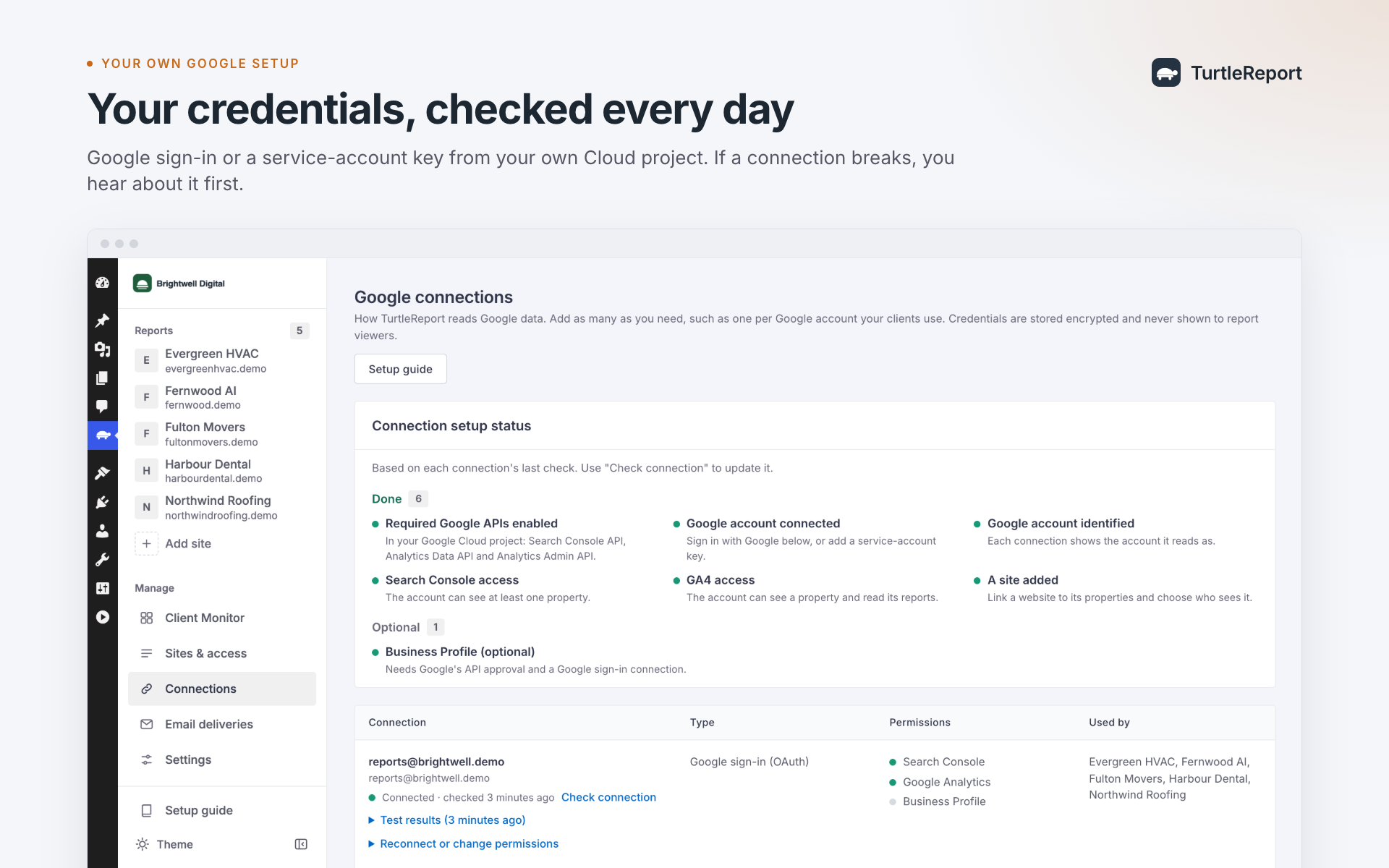
It connects Google Search Console, Google Analytics 4 (GA4), and optionally Google Business Profile, so you can see what’s happening without checking multiple tools.
Client Monitor: See What Needs Attention
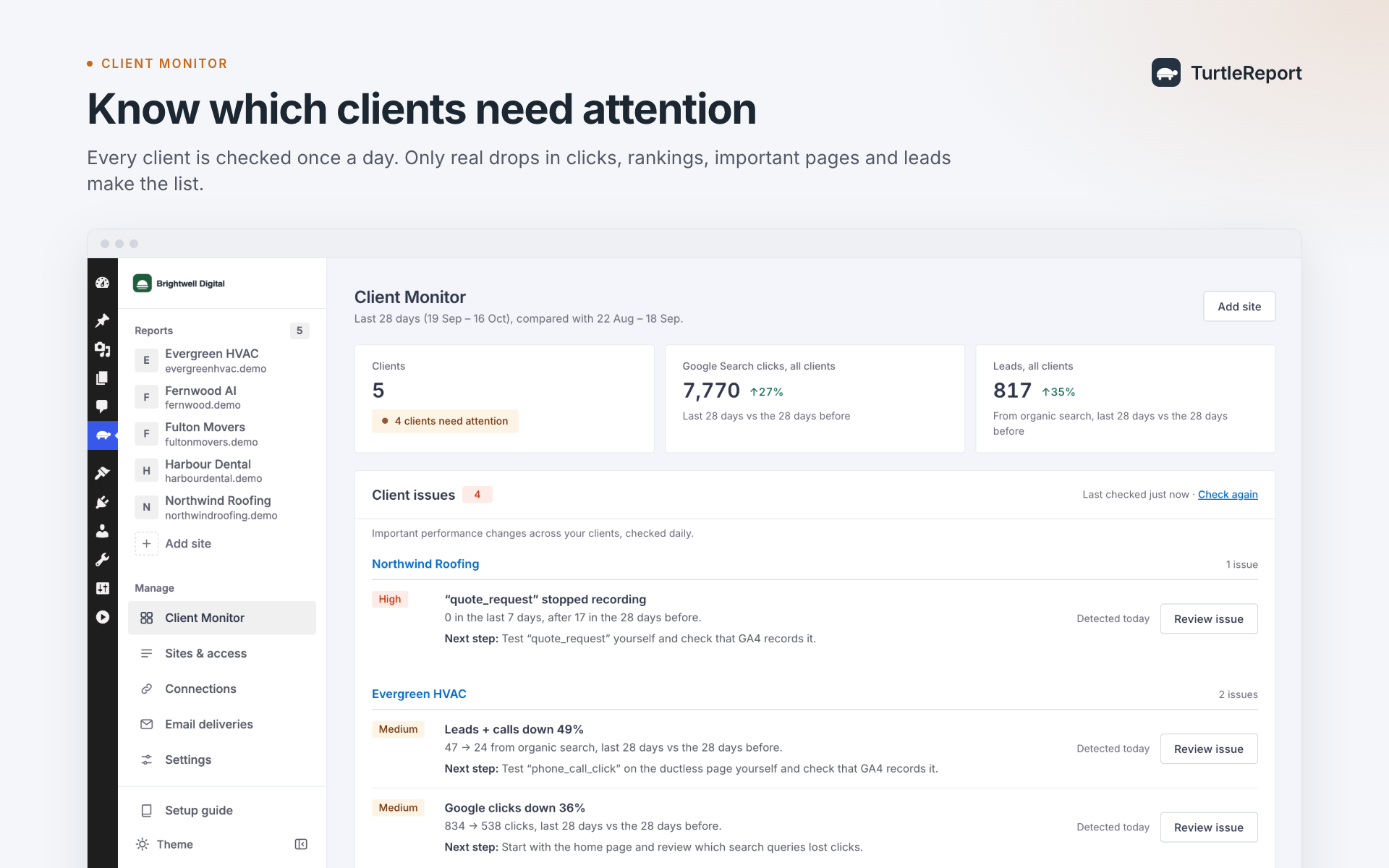
Get a clear overview of all your clients in one place.
- See which clients are performing well and which need attention.
- Detect important drops in traffic, rankings, pages, and leads.
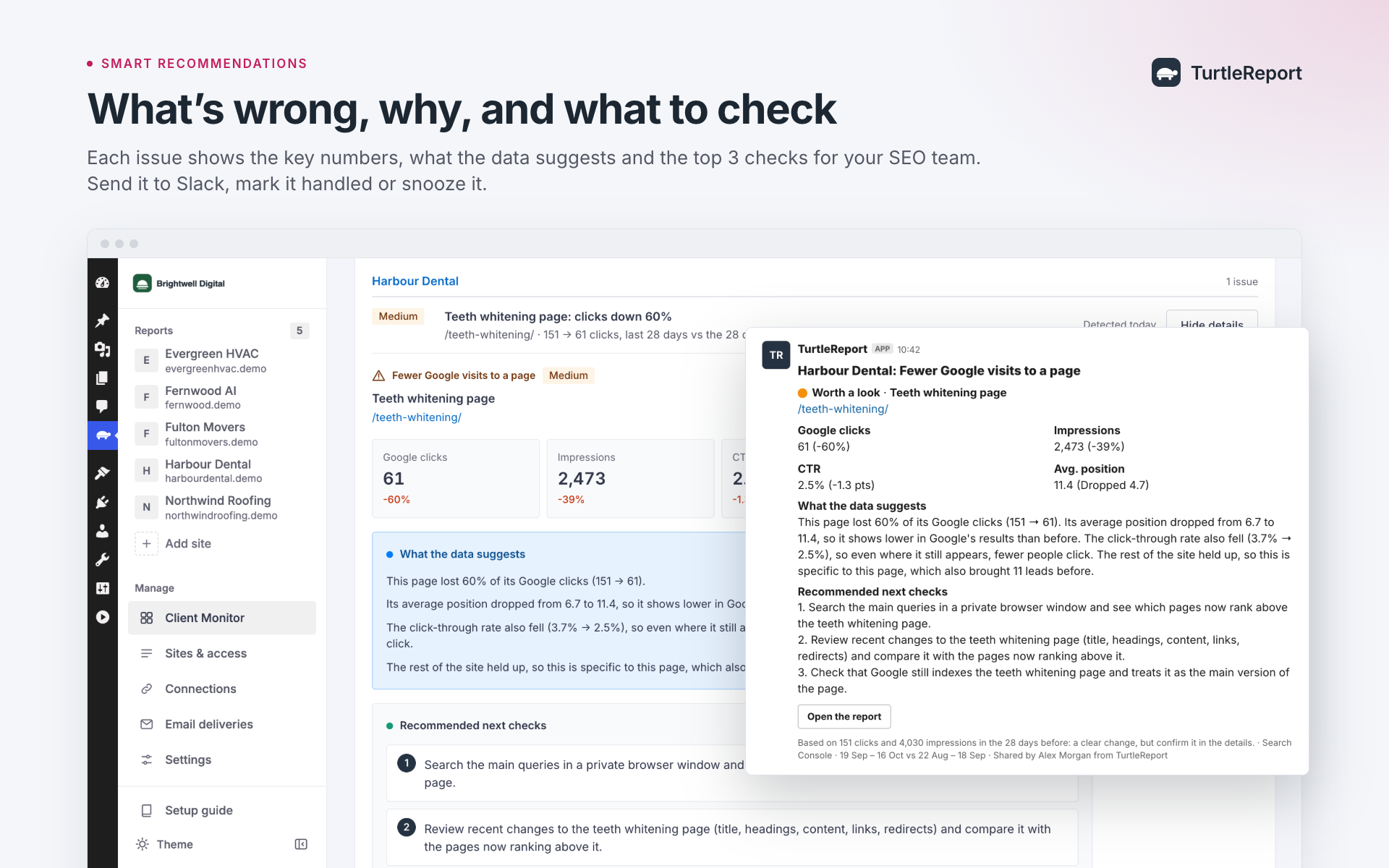
- Understand what changed, with real numbers and suggested next steps.
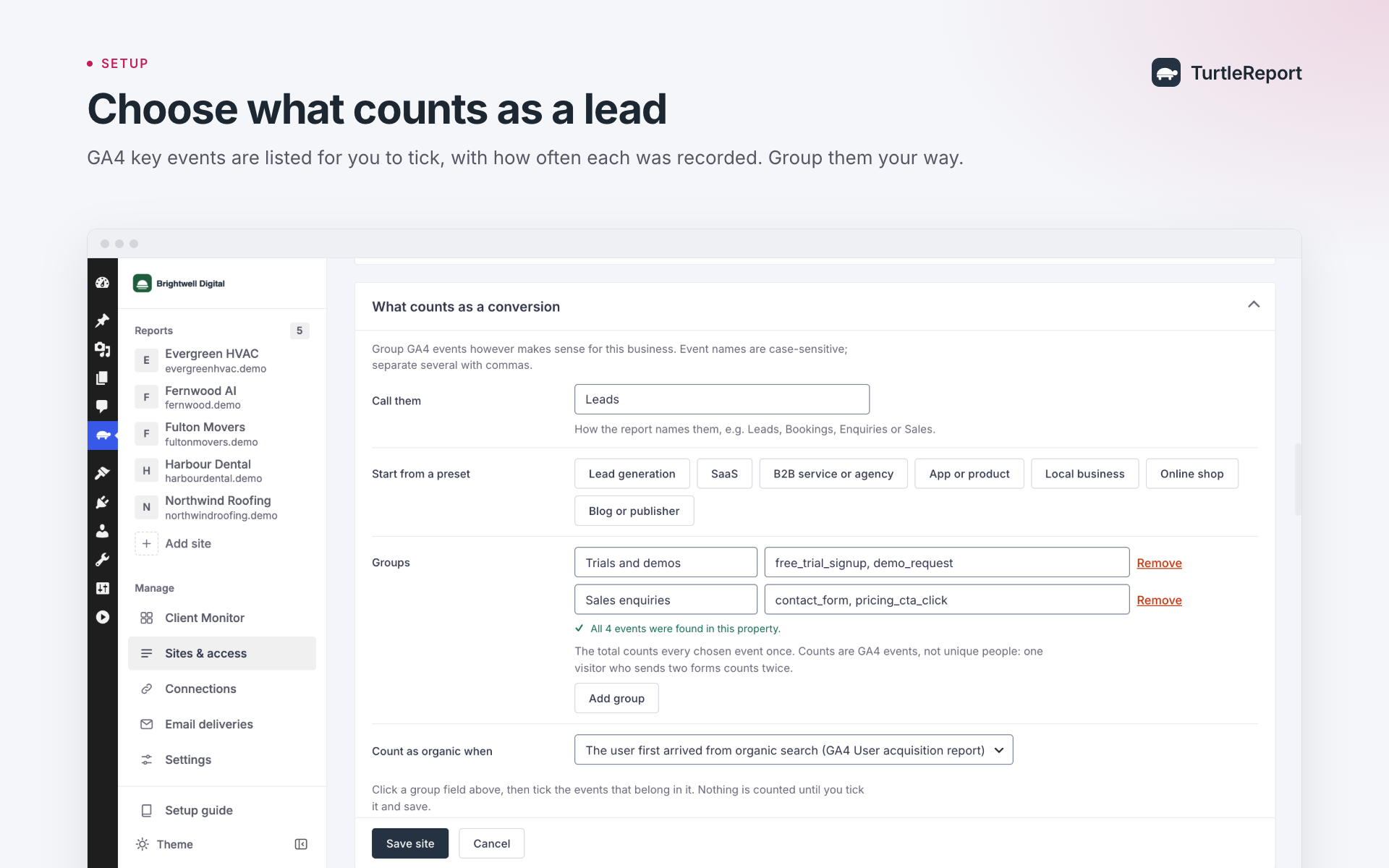
- Prioritize important pages and conversion events.
- Mark issues as handled, snooze them, or share them with your team through Slack.
- Get optional weekly summaries of clients needing attention.
SEO Reports: Understand What Happened
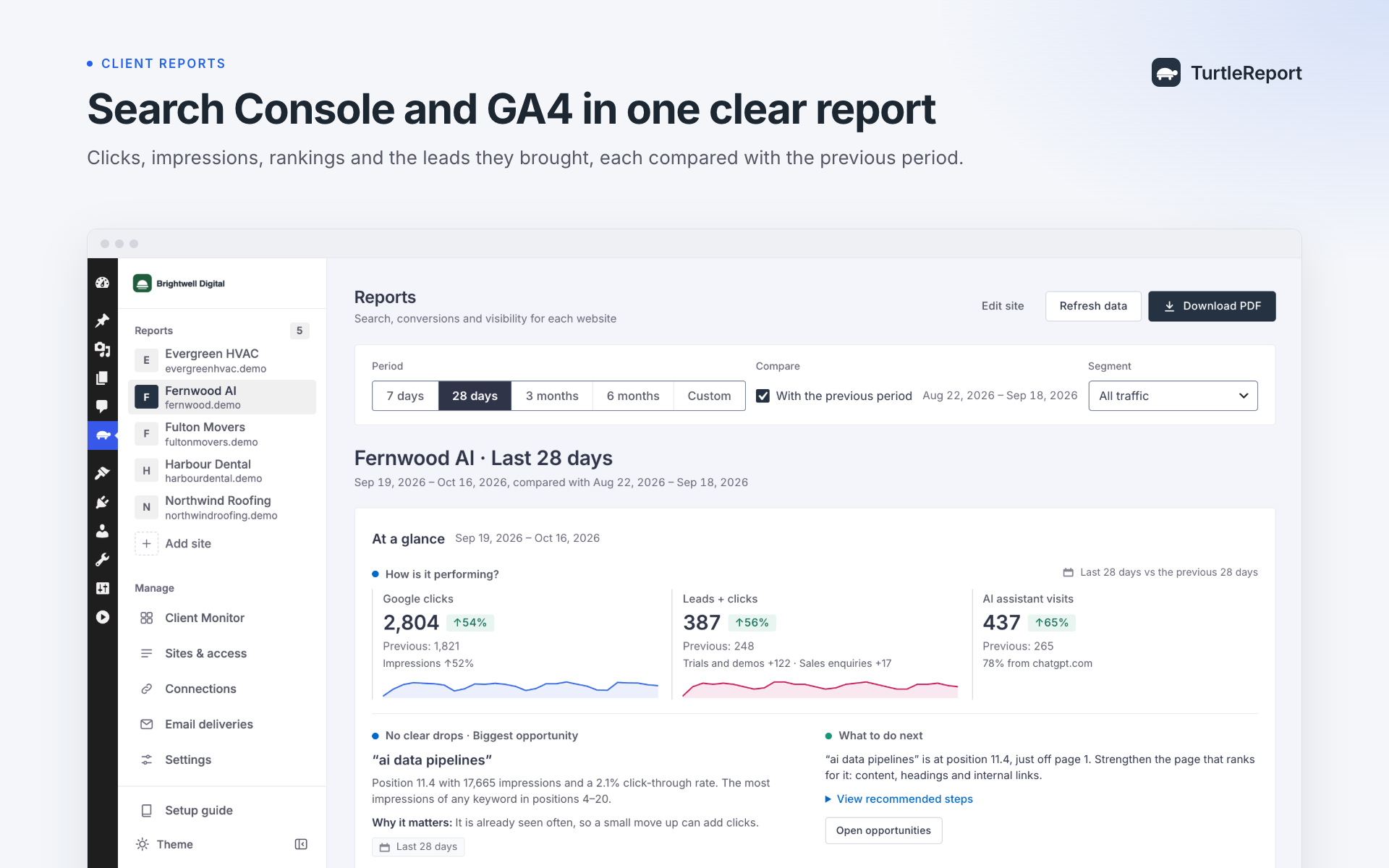
Turn Google data into clear, organized reports.
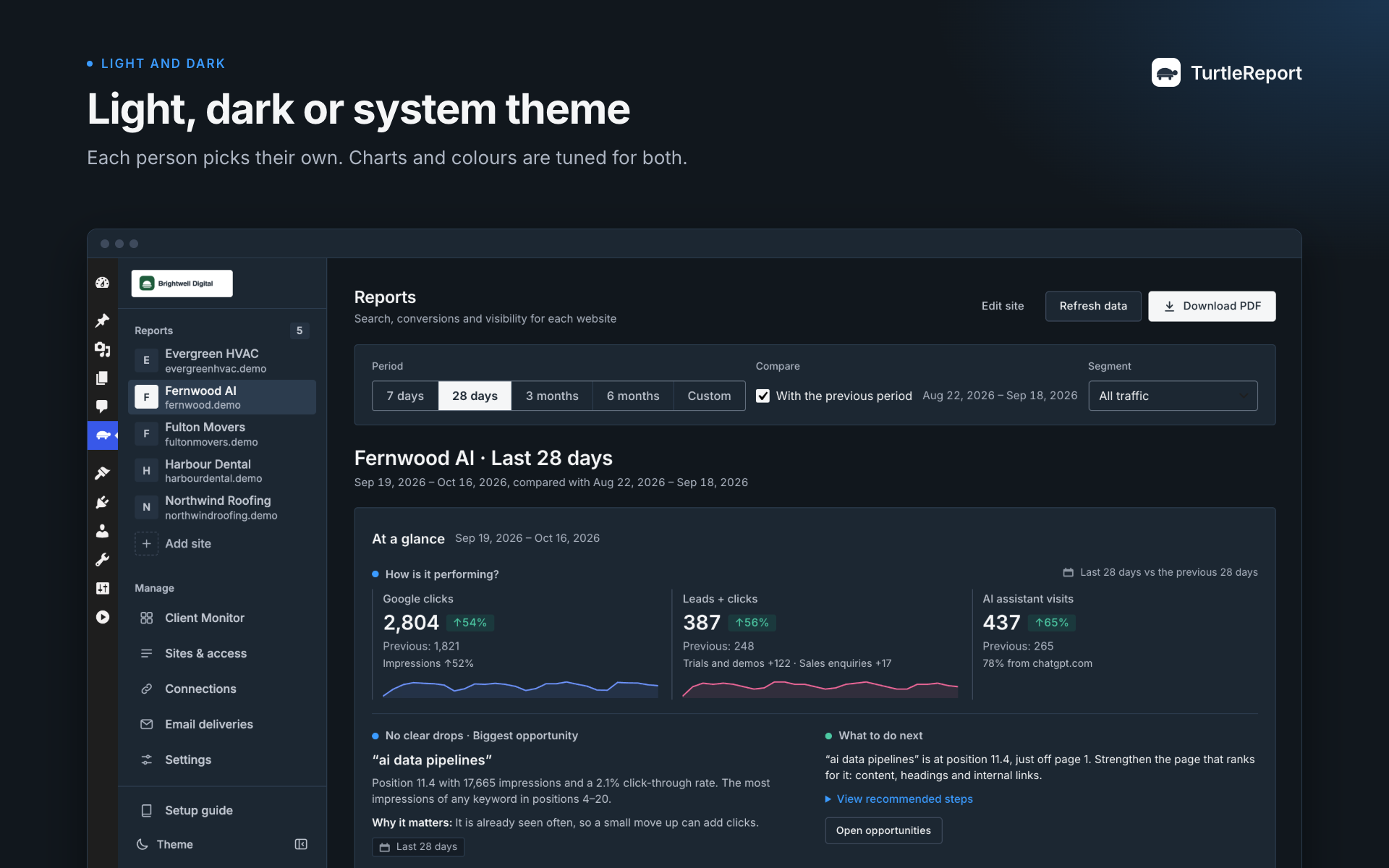
- Search Console: Clicks, impressions, rankings, keyword changes, and page performance.
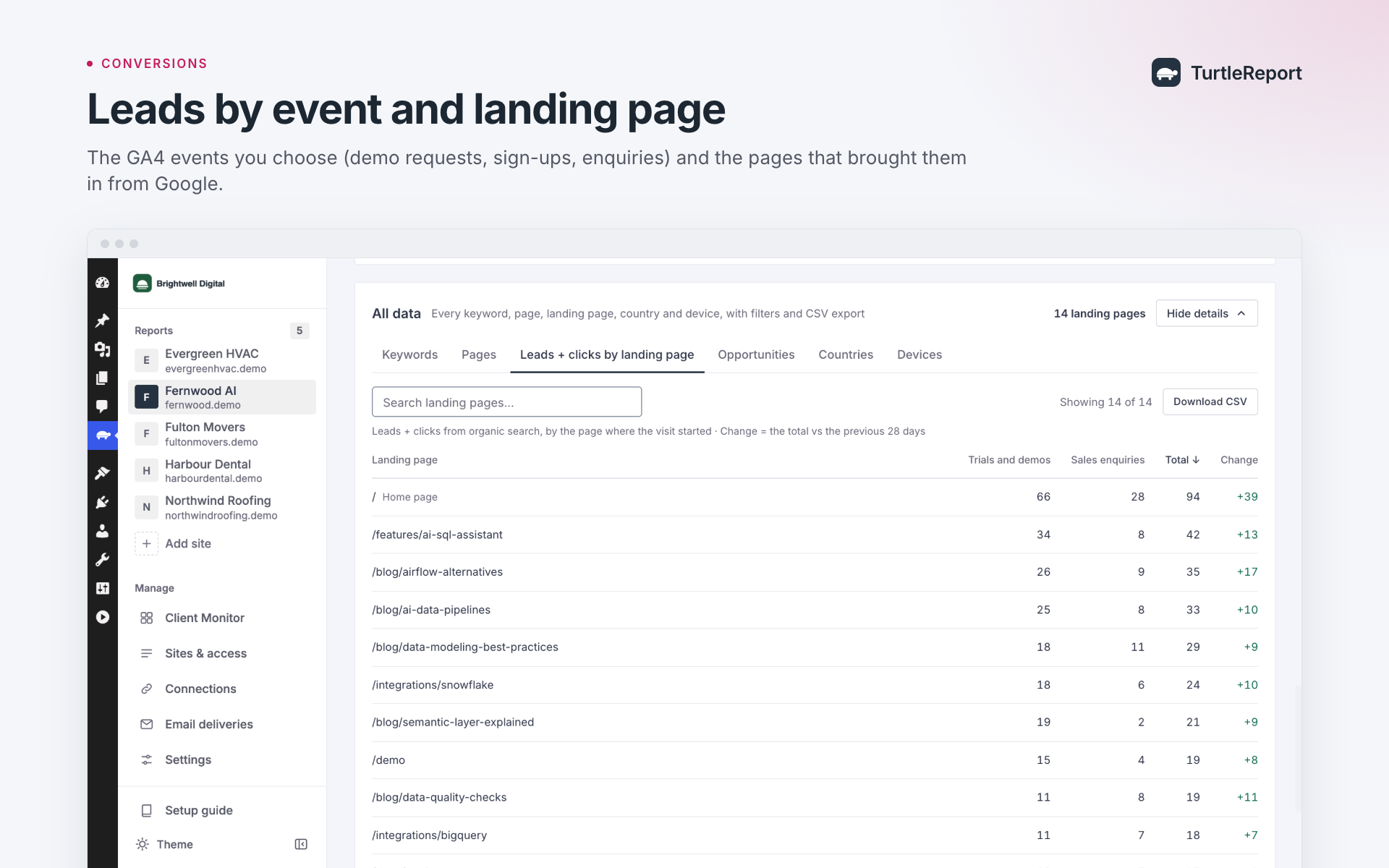
- GA4: Website traffic, engagement, leads, and conversions.
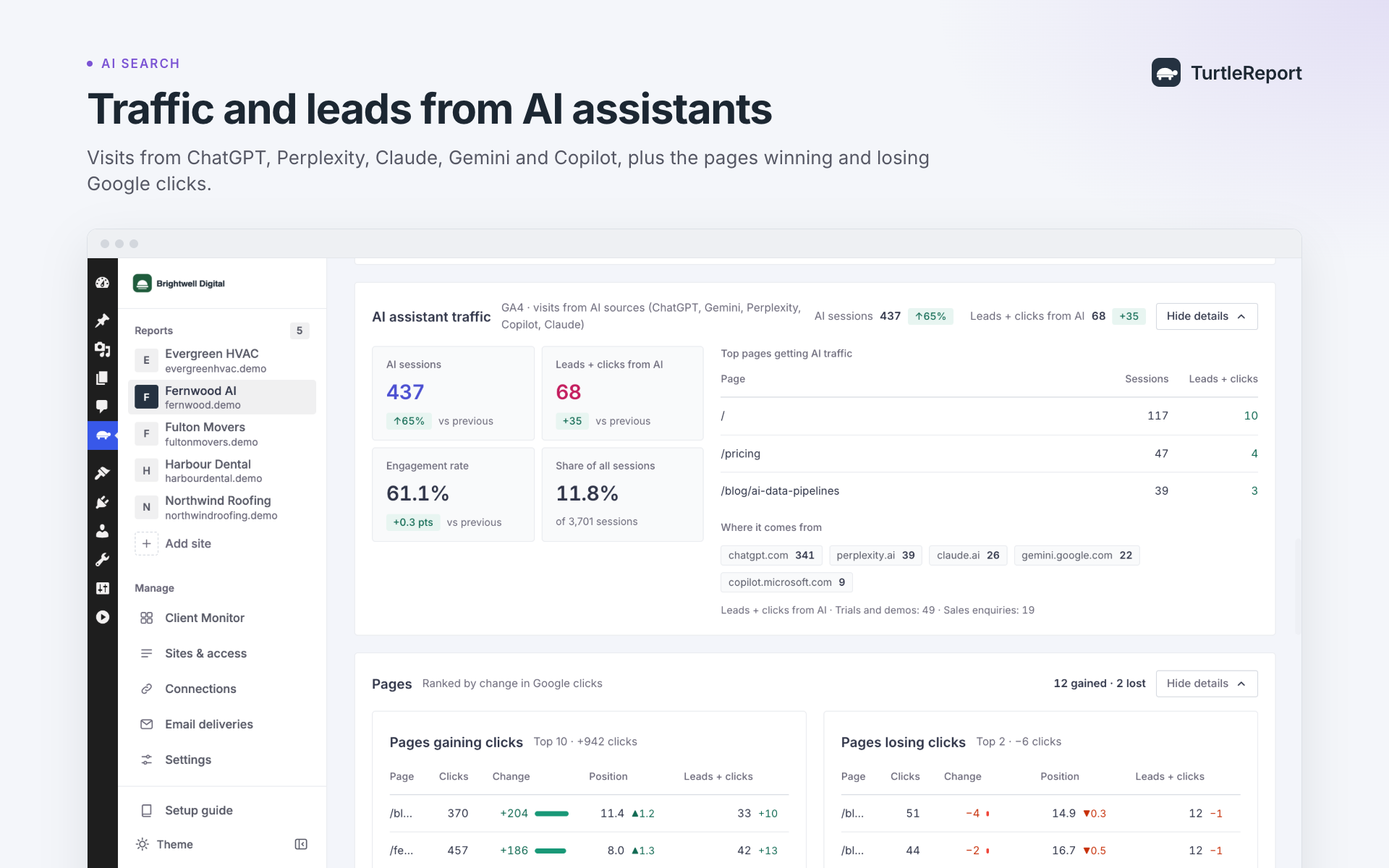
- AI traffic: See visits from AI assistants reported in GA4.
- Google Business Profile: Track calls, website clicks, directions, and profile views.
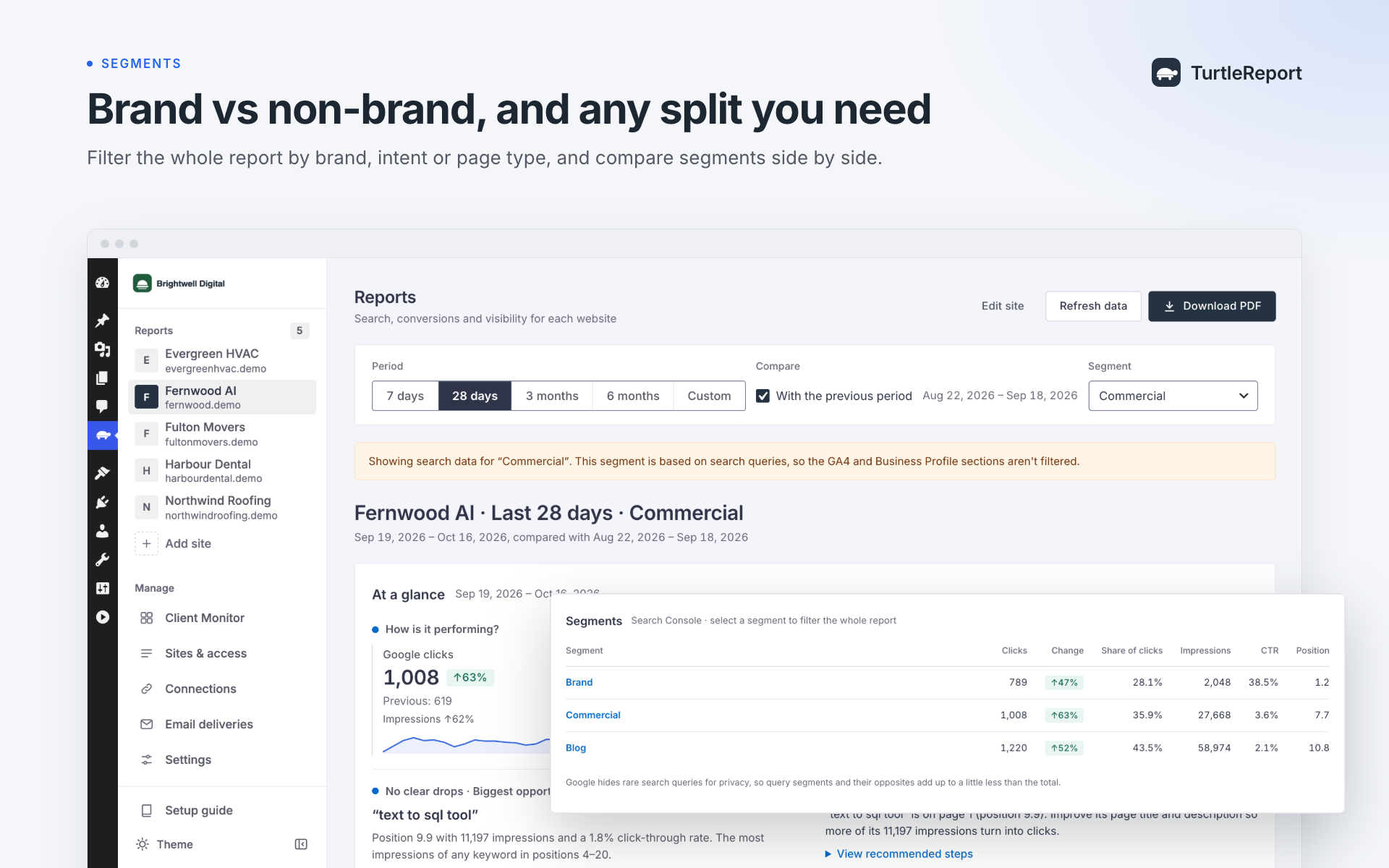
- Comparisons: Compare different periods, search terms, page types, and custom segments.
Choose which metrics and sections appear in each client’s report.
AI Advisor: Ask Questions About Your Data
Instead of manually reviewing every chart, ask questions such as:
- Why did this client’s traffic drop?
- Which pages need attention?
- What improved this month?
- What should we investigate next?
AI Advisor uses connected reporting data to explain changes and suggest next steps. It supports your own OpenAI, Claude, Gemini, or Grok API key.
AI Advisor is optional, disabled by default, and does not make changes to your websites.
Automated Client Reports
Spend less time preparing reports manually.
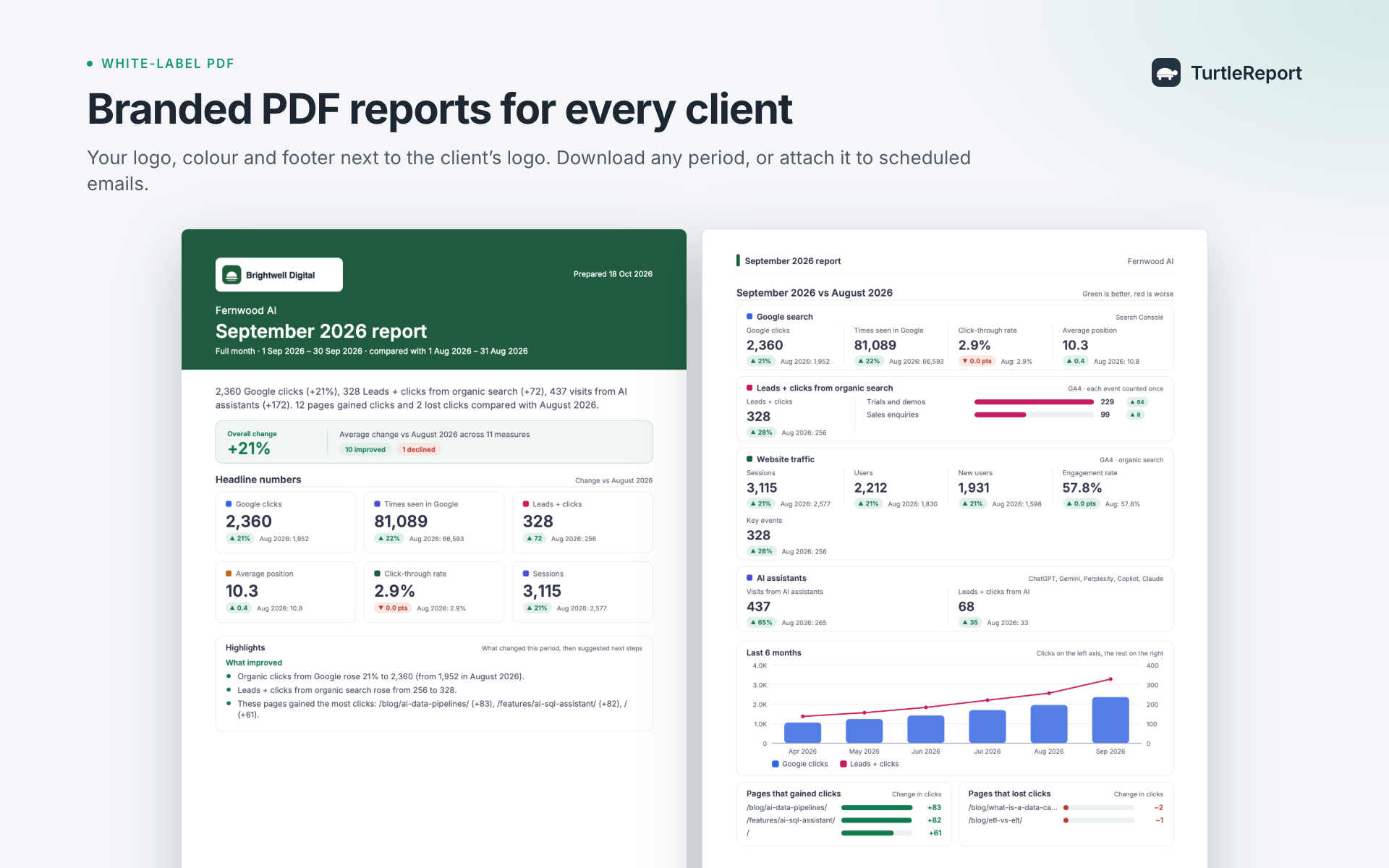
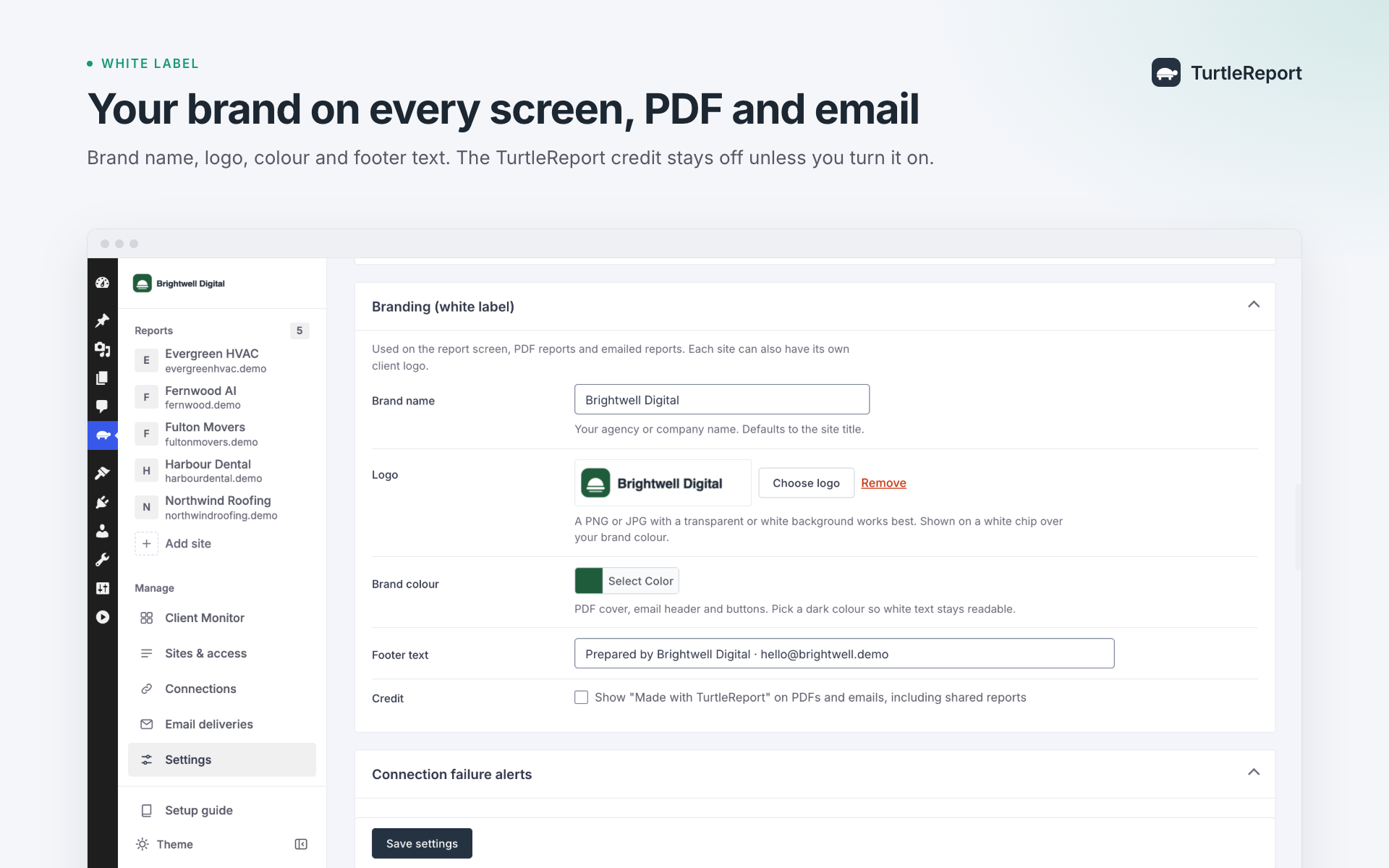
- Create branded reports with your agency logo and colors.
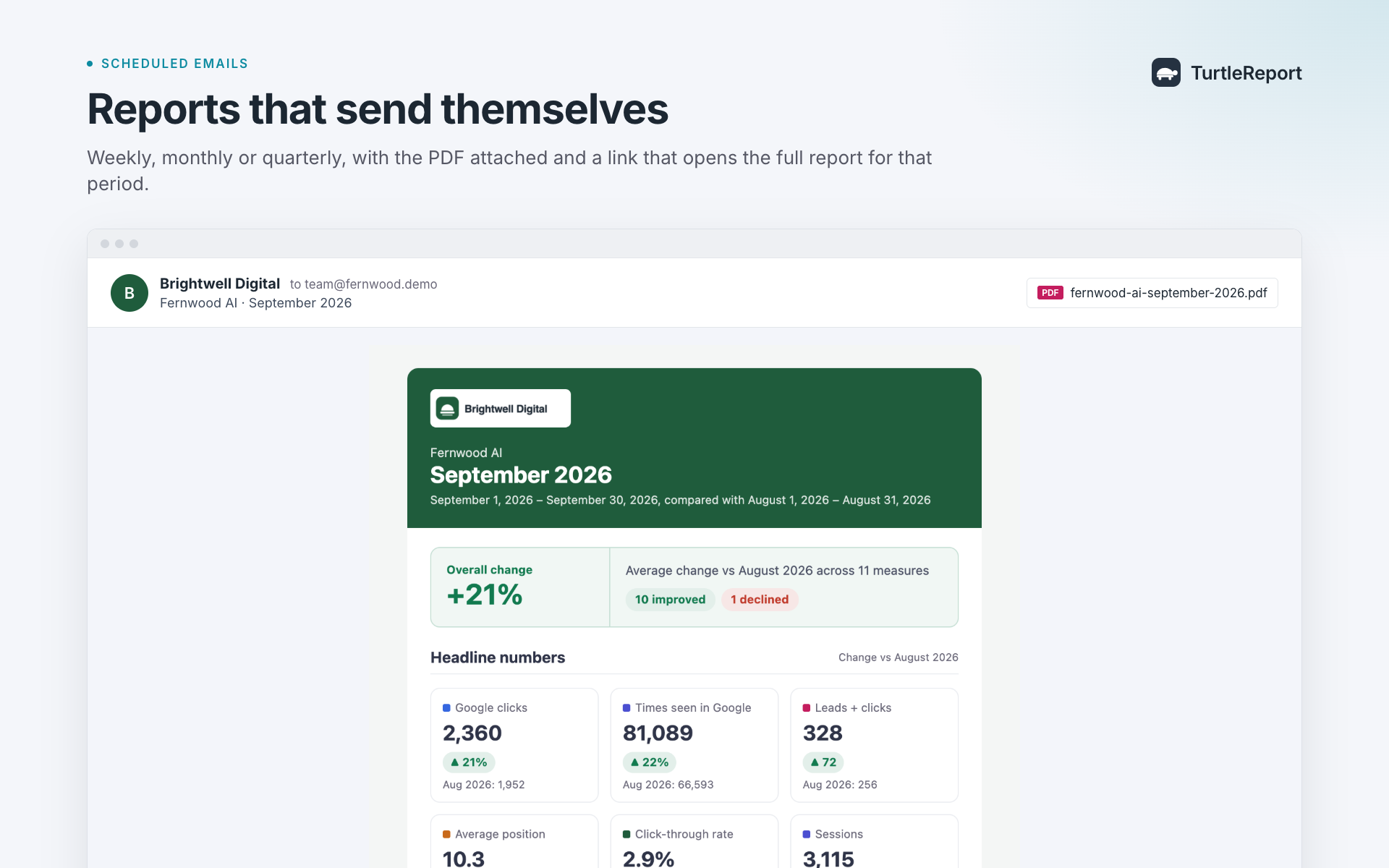
- Automatically email PDF reports on your chosen schedule.
- Review reports before sending when needed.
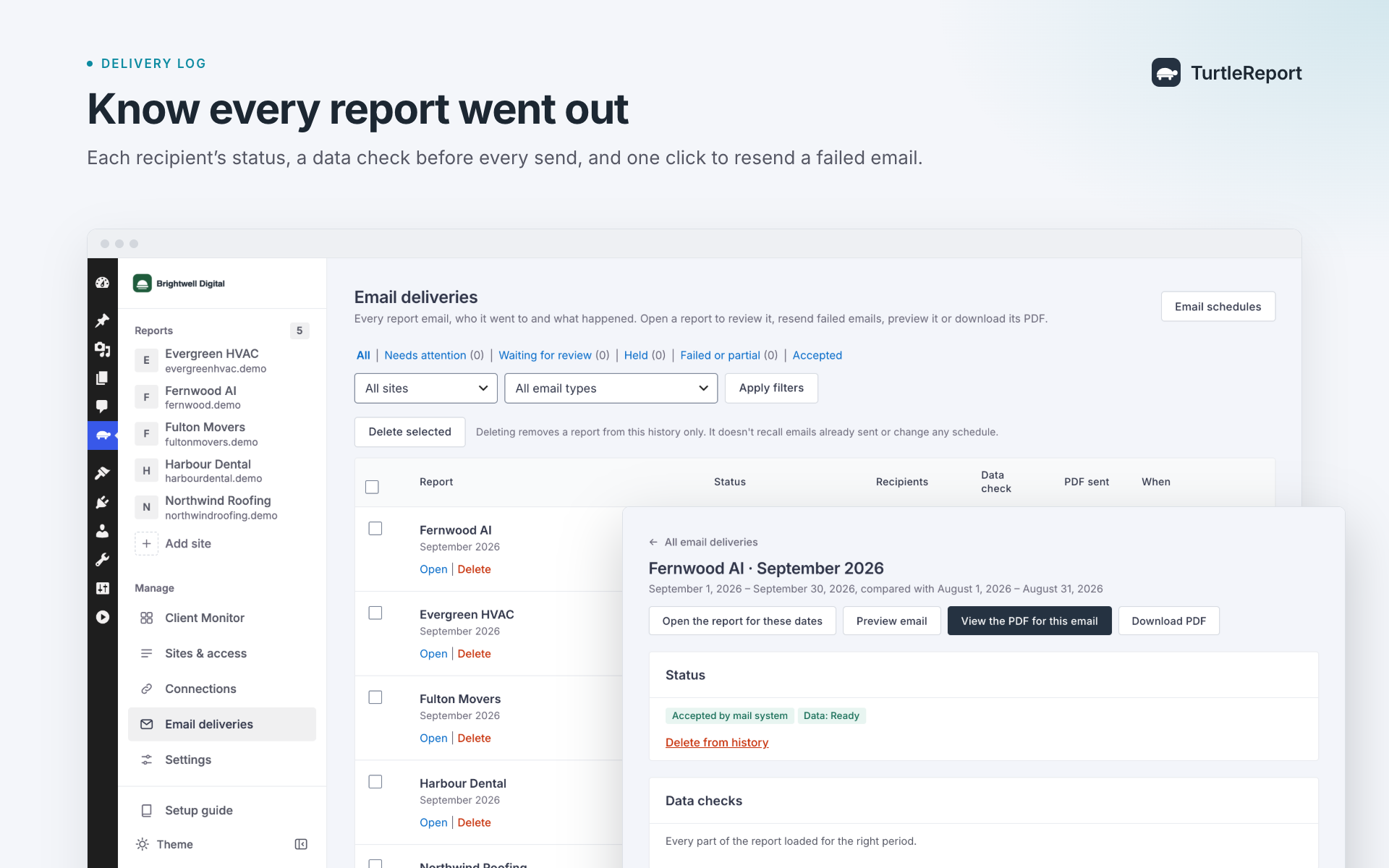
- Track email delivery status and retry failed sends.
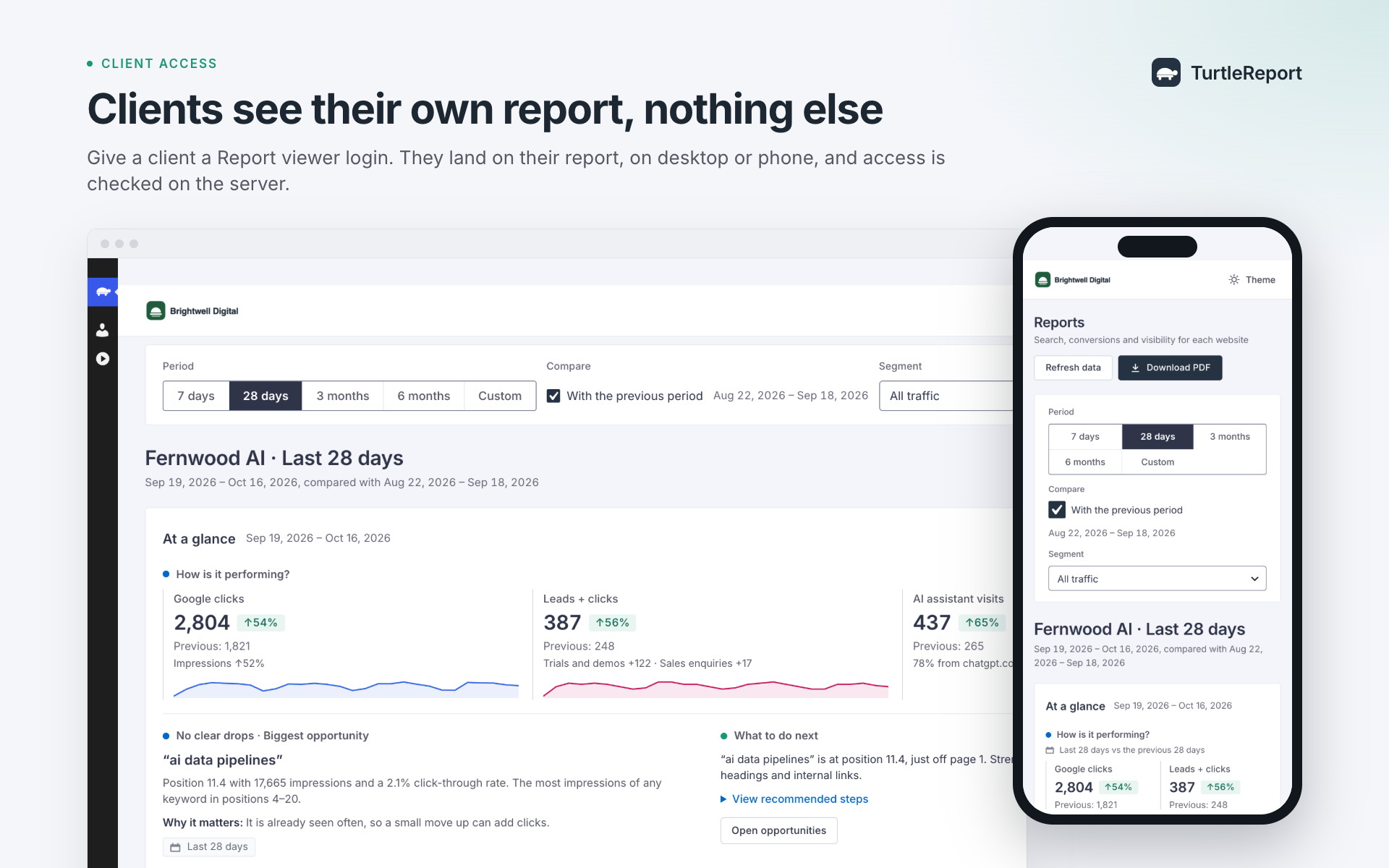
- Give clients secure access to their own reports.
Your Data, Your WordPress Website
TurtleReport runs on your own WordPress installation.
Google reporting data is fetched directly using your own Google Cloud credentials. Access to client reports is controlled by WordPress permissions, and credentials are stored encrypted.
No tracking scripts are added to your public website.
Optional AI and Slack features send relevant data to their selected services only when configured and used.
Useful Links
- Website
- Features
- Setup guide
- Documentation
- Google Cloud setup
- Troubleshooting
- Data and privacy
- Changelog
External services
This plugin connects to Google’s APIs to read reporting data. It only contacts Google after an administrator adds a connection, and only to read data for the sites and sections they set up. Requests are made from your server; nothing is sent to the plugin author or any other party.
- Google OAuth 2.0 (accounts.google.com, oauth2.googleapis.com) – signs in to Google, refreshes and revokes access, and exchanges service-account keys for access tokens. Sent: your OAuth client ID and secret or a signed service-account assertion, and authorisation codes or tokens.
- Google Search Console API (www.googleapis.com/webmasters/v3) – lists your properties and reads search performance. Sent: the property and date range.
- Google Analytics Data API and Admin API (analyticsdata.googleapis.com, analyticsadmin.googleapis.com) – lists GA4 properties and reads event, traffic and channel reports. Sent: the property, date range, metrics and filters.
-
Google Business Profile APIs (mybusinessaccountmanagement.googleapis.com, mybusinessbusinessinformation.googleapis.com, businessprofileperformance.googleapis.com) – lists locations and reads daily performance metrics. Sent: the location and date range. Only used if you turn Business Profile on.
-
Slack incoming webhooks (hooks.slack.com) – only if an administrator saves a Slack webhook in Settings Client Monitor, and only when someone presses “Send to Slack” or “Send a test message”. Sent: the client’s name, the issue’s title, the affected address, its key numbers, what the data suggests, the recommended checks, the optional note, the name of the person sharing it and a link to the report in your WordPress admin. Slack’s Terms of Service and Privacy Policy apply.
-
AI providers – configured by an administrator in Settings AI Advisor with a provider and that provider’s API key. Switching the Advisor on, or changing provider, requires an administrator to confirm that client data will be sent to that provider; the confirmation is recorded with their name and the date. Client data is sent only while the Advisor is switched on and a manager asks a question. “Test the connection” sends a generic connection-test prompt, and “Load my models” requests model names; these setup actions can run while the Advisor is switched off. Each request goes to the chosen provider:
- OpenAI (api.openai.com/v1/responses, /v1/models) – OpenAI’s Terms of Use and Privacy Policy apply.
- Anthropic Claude (api.anthropic.com/v1/messages, /v1/models) – Anthropic’s Commercial Terms and Privacy Policy apply.
- Google Gemini (generativelanguage.googleapis.com/v1beta/models) – the Gemini API Additional Terms of Service and Google’s Privacy Policy apply.
- xAI Grok (api.x.ai/v1/chat/completions, /v1/models) – xAI’s Terms of Service and Privacy Policy apply.
Sent: your API key (as an authorisation header), the question and earlier turns of that conversation, and for the clients it’s about their name, website, Search Console, GA4 and Business Profile numbers for the dates asked, the pages and keywords that changed most, and their Client Monitor issues. WordPress account names, report-recipient email addresses and Google credentials are not included. Search queries, page addresses and other client report content may themselves contain personal data; review your client data and the provider’s terms before enabling the Advisor. Listing models sends only the API key.
Background jobs (daily connection checks, overnight report loading, the Client Monitor’s daily check and scheduled emails) make the same kinds of Google requests from your server. Scheduled emails are sent through your site’s own mail setup (wp_mail) to the addresses an administrator enters.
Google’s Terms of Service, Privacy Policy and API Services User Data Policy apply.
Third-party libraries
Bundled in assets/vendor/ (all MIT licensed, licences in assets/vendor/licenses/):
- Chart.js 4.5.1 – source/build tools: https://github.com/chartjs/Chart.js/tree/v4.5.1 (package.json and rollup.config.js).
- jsPDF 4.2.1 – source/build tools: https://github.com/parallax/jsPDF/tree/v4.2.1 (package.json and rollup.config.js).
- html2canvas 1.4.1 – source/build tools: https://github.com/niklasvh/html2canvas/tree/v1.4.1 (package.json and rollup.config.js).
These vendor JavaScript files correspond to the versions’ official npm distributions. Chart.js and jsPDF omit only the trailing source-map comment and trailing blank lines; their executable content is unchanged. html2canvas matches its distribution byte for byte. Their build commands and dependency versions are provided in each pinned repository’s package.json.
PHP class loading uses Composer’s generated production autoloader. Its MIT licence is included at vendor/composer/LICENSE; Composer source is available at https://github.com/composer/composer . The plugin does not include its development Composer dependencies.
The jsPDF and html2canvas files load only when someone downloads a PDF.
Font in assets/fonts/: Inter 4.001 (variable, Latin and Latin Extended), recorded source commit https://github.com/rsms/inter/tree/66647c0bbbe41a850d79d9c76fb13add3378940f – SIL Open Font License 1.1, licence in assets/fonts/OFL.txt. The pinned repository includes font source and build tools. It is served from your own site; no font is loaded from Google. assets/fonts/pdf/ holds the static Regular and SemiBold Inter files used to draw emailed PDFs on the server (same licence, assets/fonts/pdf/OFL.txt).
The server-side PDF is written by the plugin’s own code (src/Pdf/); no PDF library or external service is used.
Each report can be emailed to up to 50 unique addresses. Viewer recipients are considered first, then individually chosen users, then typed addresses; duplicate addresses count once. This mail-processing limit does not restrict report access or grant revocation. Credits on PDFs and emails are off unless you explicitly choose to show them in Settings.
Capturas
Reseñas
There are no reviews for this plugin.
Colaboradores y desarrolladores
“TurtleReport – SEO Client Monitoring & Reporting” es un software de código abierto. Las siguientes personas han colaborado con este plugin.
Colaboradores
Traduce “TurtleReport – SEO Client Monitoring & Reporting” a tu idioma.
¿Interesado en el desarrollo?
Revise el código , eche un vistazo al repositorio SVN , o suscríbase al log de desarrollo por RSS .
Registro de cambios
1.4.1
- New plugin banner that matches the redesigned plugin.
- No functional changes.
1.4.0
- A consistent design across every screen: one spacing scale, one type scale, the same height and corners for buttons, fields and badges, and one style for key numbers.
- Settings labels line up with their fields, report tiles fill even rows, closed report sections line up, and paragraphs keep a readable line length.
- Fixed: WordPress styles no longer change spacing on settings forms, the period buttons fill their frame, the selected Movers option is visible, and Client Monitor cards on phones show their labels without extra frames.
- Better contrast for field borders and separators, one focus style everywhere, and severity read out to screen readers.
- Updated screenshots.
1.3.3
- Switching on the AI Advisor, or changing its provider, now asks an administrator to confirm that client data will be sent to that provider. Settings shows who confirmed and when.
- An AI Advisor that is already switched on keeps working with its current provider.
1.3.2
- The plugin author is now shown as TurtlePlugins, linking to turtleplugins.com.
- Add links to the website, setup guide, documentation and changelog in the plugin description.
- No functional changes.
1.3.1
- Internal code restructuring for easier maintenance.
- No functional changes: reports, exports, emails, connections, settings and access grants are unchanged.
- Developers: internal PHP classes were reorganised; hooks and filters are unchanged.
1.3.0
- Rename the plugin to “TurtleReport – SEO Client Monitoring & Reporting” and refresh its description.
- No functional changes: reports, connections, settings, schedules and access grants are unchanged.
1.2.0
- Add daily Client Monitor checks, evidence-based alerts, handling and snooze controls, and client goals and priorities.
- Add optional Slack sharing and a weekly client-monitor summary email.
- Add an optional AI Advisor using your own OpenAI, Anthropic, Gemini or xAI key, with client-scoped context and usage limits.
- Improve report summaries, comparisons, navigation and setup guidance.
- Respect the WordPress menu preference and show scheduled weekly summary outcomes.
- Turning secure report links off and on again now invalidates links sent earlier.
- People left without a role on a site no longer receive its scheduled reports.
- Keep scheduled emails and summaries on time across daylight-saving changes.
- Preserve the 1.0 security, delivery, privacy and data-storage safeguards.
1.0
- First release of TurtleReport.
- Search Console, GA4 and Google Business Profile reports, PDF exports, scheduled emails, delivery review and per-site access control.