

Descripción
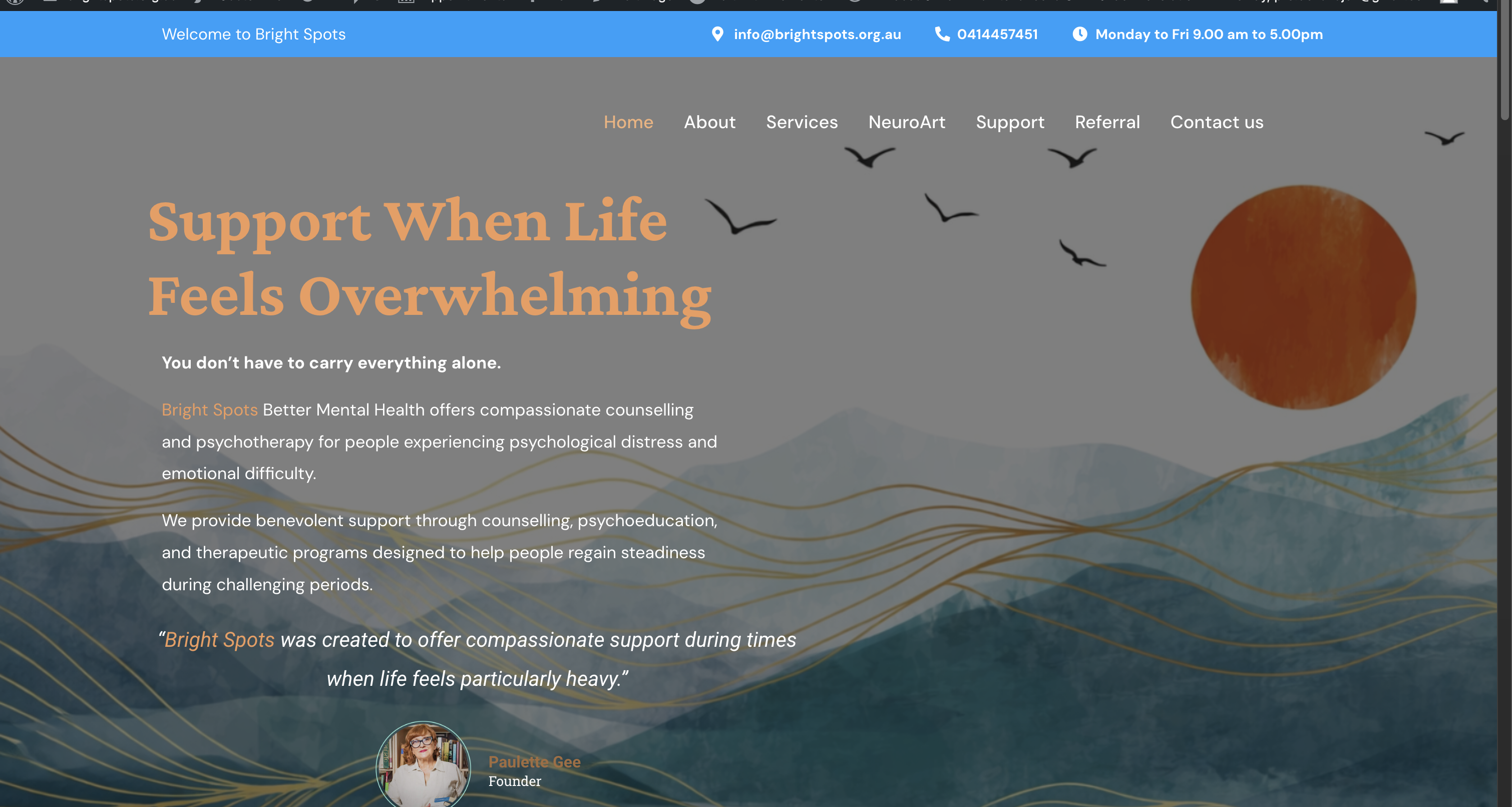
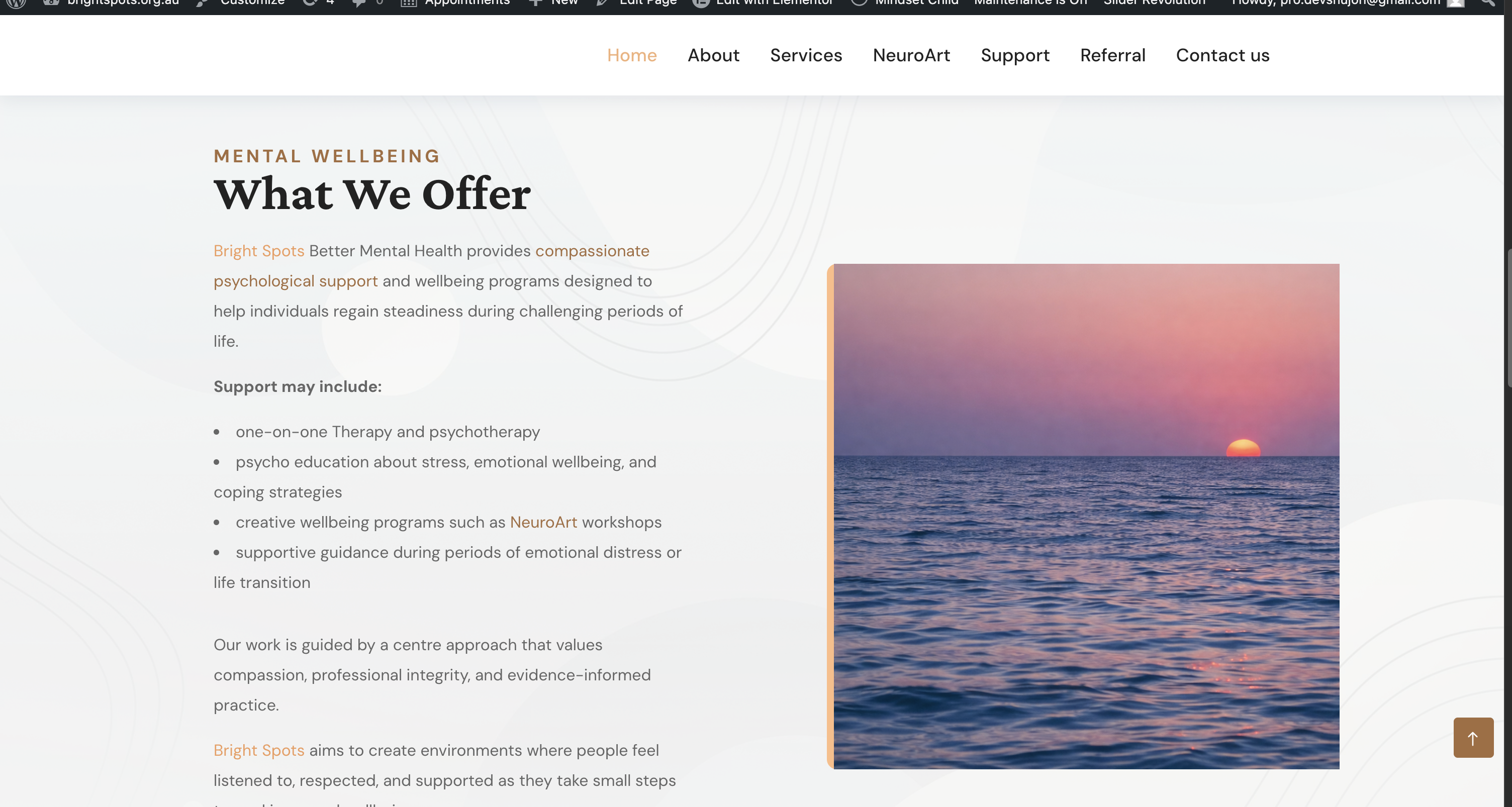
Dev Highlighter lets you turn any word or phrase into a styled, optionally-linked highlight everywhere it appears in your content — without editing a single post by hand.
Define a keyword once, choose how it should look (text colour, background colour, bold, italic, underline), optionally give it a link, and Dev Highlighter does the rest on the front end. It is built for performance: rules are compiled and cached, and content is parsed safely with DOMDocument so your markup is never mangled.
Key features
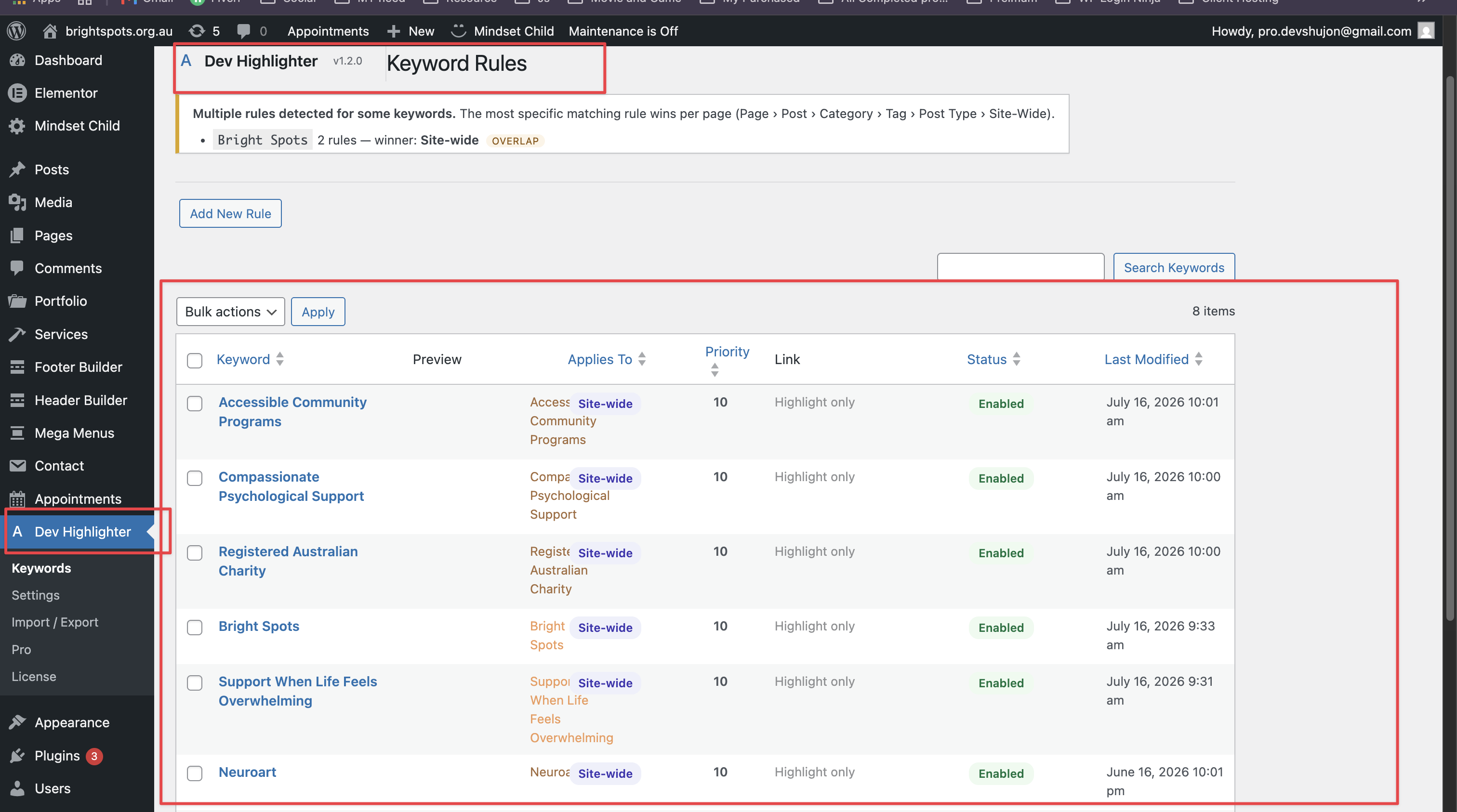
- Context-aware rules engine — one keyword can have many rules, each with its own colour, link, and target. Highlight “Mental Health” gold site-wide, green on selected pages, and blue in a category — all at once.
- Targeting — apply a rule Site-Wide, or to Selected Pages, Selected Posts, Categories, Tags, or Post Types.
- Exclusions — exclude specific posts/pages by ID, categories, or whole post types per rule.
- Priority system — when several rules match, the most specific one wins (Page › Post › Category › Tag › Post Type › Site-Wide); a per-rule priority breaks ties.
- Smart conflict detection — the admin flags keywords with multiple rules and shows which one wins.
- Future-proof architecture — a pluggable condition registry and filterable scope weights make new conditions drop-in additions.
- Unlimited keyword rules — add as many as you need.
- Styling — text colour, background colour, bold, italic, and underline per keyword.
- Auto-linking — add an optional URL to turn a keyword into a link, with optional “open in new tab” (adds
rel="noopener noreferrer"). - Smart phrase protection — longer phrases always win, so “Mental Health Program” is never broken into “Mental Health” + “Program”.
- Post type control — choose exactly where processing runs: Posts, Pages, or any public custom post type.
- Safe parsing — never touches text inside
script,style,textarea,pre,code, or existing links. - Optimised CSS — identical styles are de-duplicated into shared, generated classes; no repeated inline CSS.
- Import / Export — move your rules between sites as JSON, with merge or replace.
- Performance first — compiled rules are cached in a transient and only rebuilt when a rule changes, so sites with 500+ keywords stay fast.
- Translation ready — fully internationalised with the
dev-highlightertext domain.
Where processing runs
Dev Highlighter only filters the_content on the front end. It never runs in the admin area, feeds, REST requests, AJAX requests, or cron. It makes no external/third-party HTTP requests.
Extensible by design
Dev Highlighter exposes documented filters and actions (word_spotlight_condition_evaluators, word_spotlight_collect_conditions, word_spotlight_sanitize_extra_conditions, word_spotlight_rule_builder_fields, and the scope-weight filters) so optional add-ons can register new targeting conditions and rule-builder fields without modifying the core engine. An optional premium add-on, Dev Highlighter Pro, builds on these hooks; it is a separate plugin and is not required for any feature described above.
Capturas
Instalación
- Upload the
dev-highlighterfolder to the/wp-content/plugins/directory, or install the plugin through the Plugins screen in WordPress. - Activate the plugin through the Plugins screen.
- Go to Dev Highlighter Keywords and add your first keyword rule.
- Visit Dev Highlighter Settings to choose which post types are processed and to set any exclusions.
Preguntas frecuentes
-
Does it modify my stored content?
-
No. Highlighting happens on output via the
the_contentfilter. Your posts are never altered in the database. -
Will it break my HTML?
-
No. Content is parsed with DOMDocument rather than naive string replacement, and text inside
script,style,textarea,pre,code, and existingatags is skipped. -
How does phrase protection work?
-
Keywords are sorted longest-first and matched with ordered alternation, so the longest matching phrase at any position always wins.
-
Is it fast on large sites?
-
Yes. Compiled rules and the generated stylesheet are cached in a transient and only rebuilt when you change a rule. A fast pre-check skips the DOM entirely on content that contains no keywords.
-
How do I exclude my cart or checkout page?
-
Go to Dev Highlighter Settings Exclusions and add the page slugs (for example
cart,checkout,my-account) or their post IDs. -
Does the plugin contact any external service?
-
No. The free plugin makes no outbound network requests and stores all of its data in your own WordPress database.
Reseñas
There are no reviews for this plugin.
Colaboradores y desarrolladores
“Dev Highlighter” es un software de código abierto. Las siguientes personas han colaborado con este plugin.
Colaboradores
Traduce “Dev Highlighter” a tu idioma.
¿Interesado en el desarrollo?
Revise el código , eche un vistazo al repositorio SVN , o suscríbase al log de desarrollo por RSS .
Registro de cambios
1.2.0
- Added documented extension points (filters/actions) so optional add-ons can register custom targeting conditions and rule-builder fields without modifying the core engine.
- Internal refinements to the rules engine and admin.
1.1.0
- New: context-aware rules engine — multiple rules per keyword, each with its own styling, link, and target.
- New: rule targeting by Site-Wide, Selected Pages, Selected Posts, Categories, Tags, or Post Types.
- New: per-rule exclusions (post/page IDs, categories, post types) and a priority tiebreaker.
- New: specificity-based priority resolution (Page › Post › Category › Tag › Post Type › Site-Wide) — the most specific rule always wins.
- New: visual rule builder with a live preview and smart conflict detection.
- New: pluggable condition registry and filters for future conditions.
- Existing keywords are automatically migrated to Site-Wide rules — no action needed.
1.0.0
- Initial release.